Customer Support
Resolve tickets 40% faster and auto-handle 60% of common requests
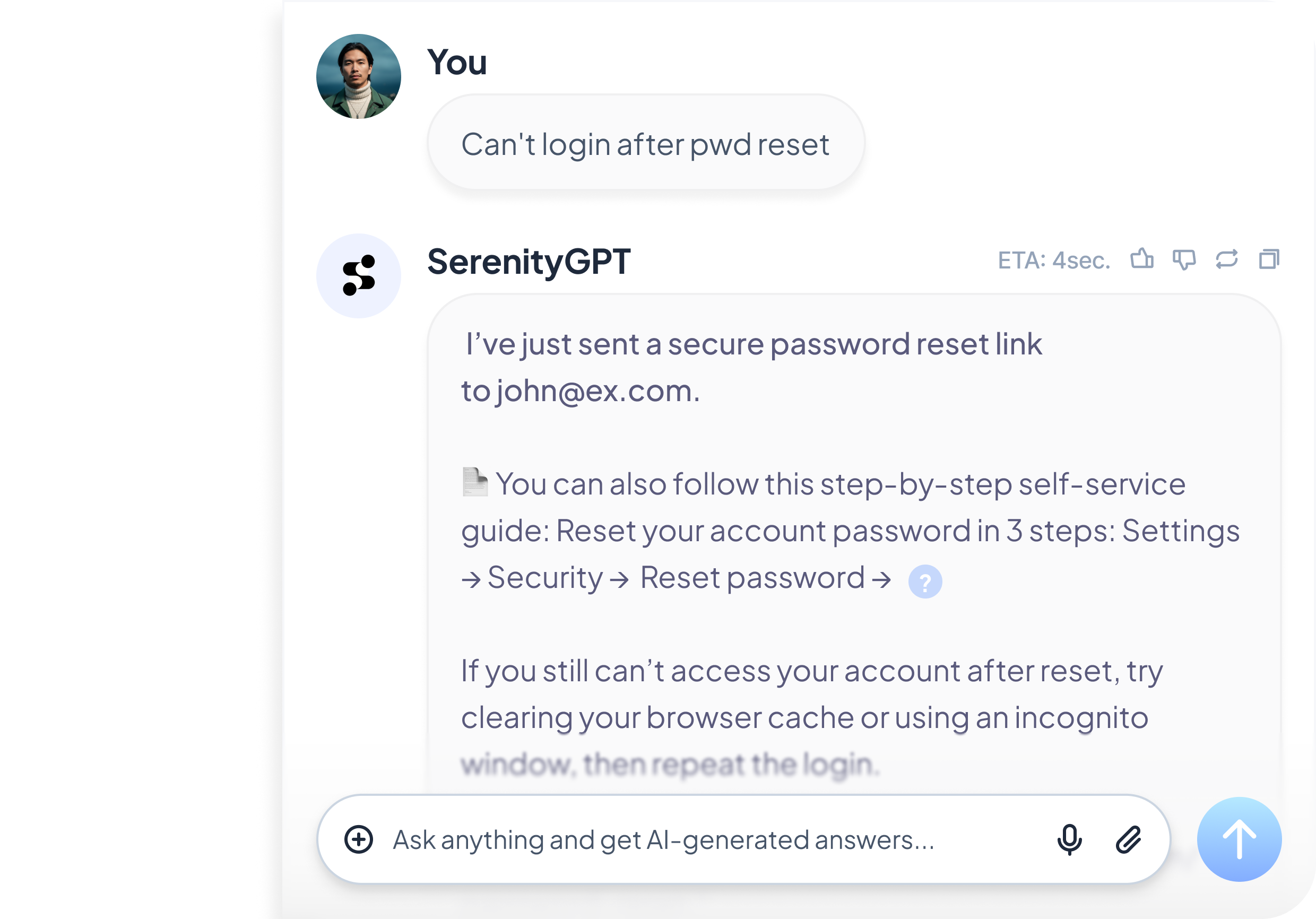
SerenityGPT helps support teams deliver fast, accurate answers and run repeatable workflows, grounded in your approved knowledge and ticket history. Customers get reliable self-service. Agents get confident assistance. Leaders get visibility into what drives volume and friction.
What Serenity does
Self-service that stays on-policy

Deflect repetitive questions with consistent, approved answers grounded in your help content and policies.
- Retrieves answers from your knowledge base with references
- Follows approved guidance first, with safe fallbacks when uncertain
- Keeps customer responses consistent across channels and regions
Agent assist with instant context

Help agents resolve faster by surfacing the right docs, past cases, and key thread facts in seconds.
- Summarizes tickets and drafts replies in your tone
- Pulls relevant product docs, policies, and past resolutions
- Reduces rework and inconsistency across agents and teams
Outcomes
Shorter time to first response and time to resolution
Lower reassignment and escalation rates
More consistent guidance across channels
Higher containment and deflection over time
Faster onboarding and ramp for new agents
Clear visibility into top drivers and knowledge gaps
The problem
Support teams are stuck between rising ticket volume and the need to stay accurate and consistent. Customers want instant answers, agents lose time searching across tools, and escalations often happen without enough context. The result is slow resolutions, uneven quality, and knowledge that falls behind what customers actually ask.
The shift
The best support organizations are moving from "search and reply" to workflow-native assistance: retrieve the right context, summarize the case, draft a response, route to the right owner, and capture learnings to improve the knowledge base. SerenityGPT is built for this shift, with grounded answers and controlled automation.
Use cases

Customer self-service
Provide 24/7, grounded help in chat, portals, and help centers with approved answers and references.

Agent assist in the helpdesk
Summarize the issue, fetch relevant docs and similar cases, and draft a high-quality reply in your tone.
Triage and routing
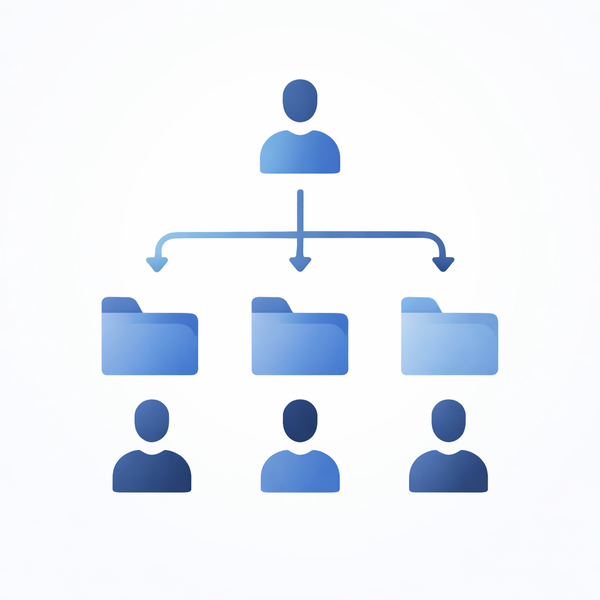
Classify tickets, extract key fields, detect urgency, and route to the right queue with full context.

Engineering and tier 2 escalation
Package a complete escalation summary with steps taken, suspected cause, and relevant links.
How it works
Connect to the sources support relies on

Work from your approved knowledge and real ticket history, not guesses.
- Help center and documentation
- Ticketing systems and internal threads
- Slack, Teams, and internal support channels
Retrieve the right context, then act

Each response is grounded in the best available sources, with safe behavior when information is missing.
- Permission-aware retrieval and answers
- Clear citations and traceability to sources
- Fallbacks: ask, route, or escalate instead of guessing
Improve continuously with real signals

Identify what drives volume and where your knowledge is failing, then close the loop.
- Track top question categories and escalation hotspots
- Flag low-confidence topics and content gaps
- Suggest what to clarify or add to reduce repeats
Built for support governance and control
Approved knowledge first
Clear uncertainty handling
Optional review for sensitive topics
Permission-aware access
Visibility into performance and gaps
Auditability for answers and workflows